![<!-- TikTok Pixel Code Start --> <script> !function (w, d, t) { w.TiktokAnalyticsObject=t;var ttq=w[t]=w[t]||[];ttq.methods=["page","track","identify","instances","debug","on","off","once","ready","alias","group","enableCookie","disableCookie","holdConsent","revokeConsent","grantConsent"],ttq.setAndDefer=function(t,e){t[e]=function(){t.push([e].concat(Array.prototype.slice.call(arguments,0)))}};for(var i=0;i<ttq.methods.length;i++)ttq.setAndDefer(ttq,ttq.methods[i]);ttq.instance=function(t){for( var e=ttq._i[t]||[],n=0;n<ttq.methods.length;n++)ttq.setAndDefer(e,ttq.methods[n]);return e},ttq.load=function(e,n){var r="https://analytics.tiktok.com/i18n/pixel/events.js",o=n&&n.partner;ttq._i=ttq._i||{},ttq._i[e]=[],ttq._i[e]._u=r,ttq._t=ttq._t||{},ttq._t[e]=+new Date,ttq._o=ttq._o||{},ttq._o[e]=n||{};n=document.createElement("script") ;n.type="text/javascript",n.async=!0,n.src=r+"?sdkid="+e+"&lib="+t;e=document.getElementsByTagName("script")[0];e.parentNode.insertBefore(n,e)}; ttq.load('CU9905RC77U203LL0K50'); ttq.page(); }(window, document, 'ttq'); </script> <!-- TikTok Pixel Code End -->](/u_file/2501/15/photo/202501151905531.png)



































Registration & Earnings Handbook
My Orders:
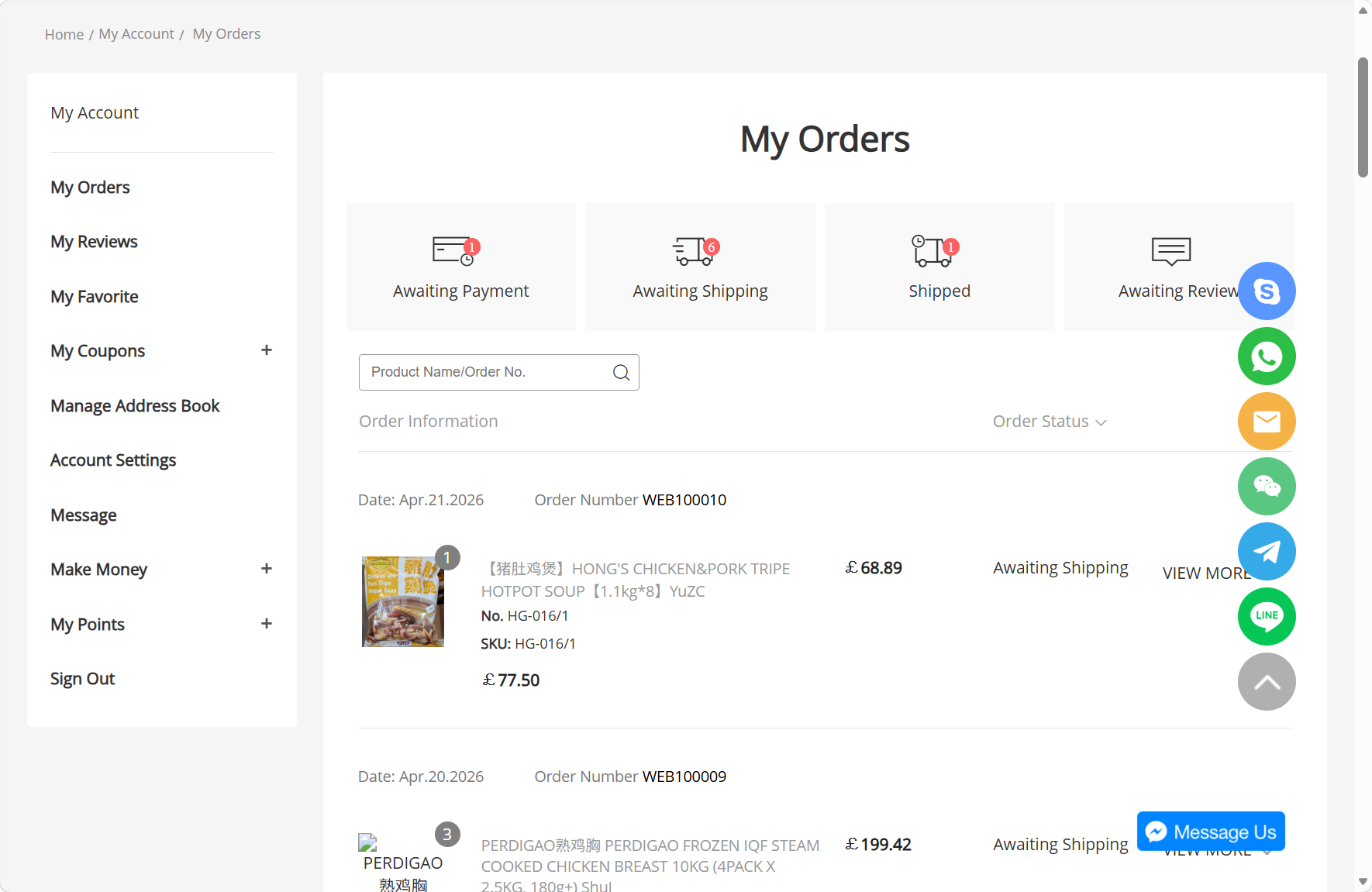
View real-time order status, including pending payment, pending shipment, shipped and pending review. Keep track of your purchasing progress at all times, never miss order milestones, and complete payments & delivery confirmations on time.
View real-time order status, including pending payment, pending shipment, shipped and pending review. Keep track of your purchasing progress at all times, never miss order milestones, and complete payments & delivery confirmations on time.
-
My Reviews:
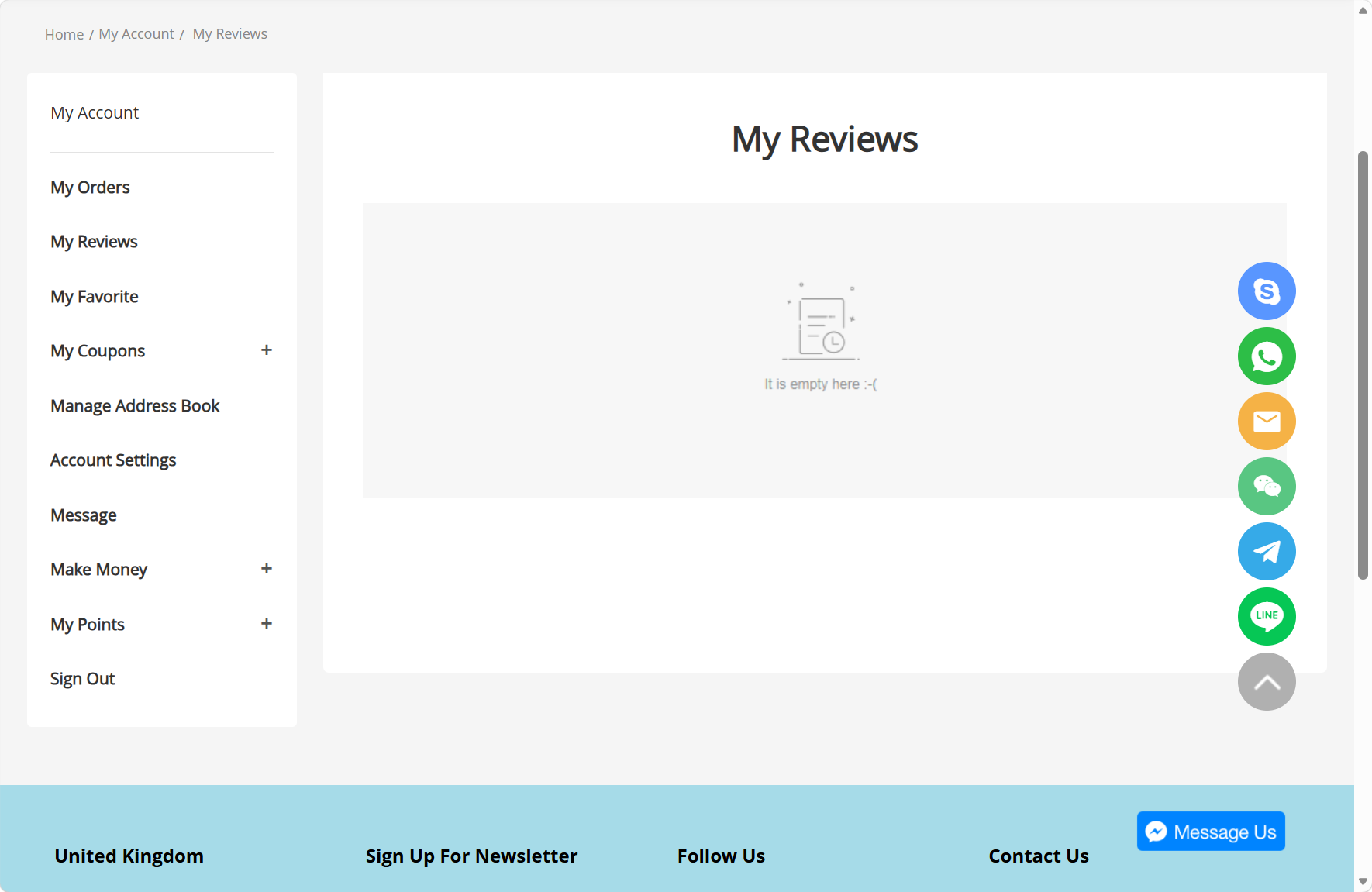
Post reviews for delivered items and share your shopping experience. You can also check your historical reviews to help other customers make purchases, and record your own product feedback.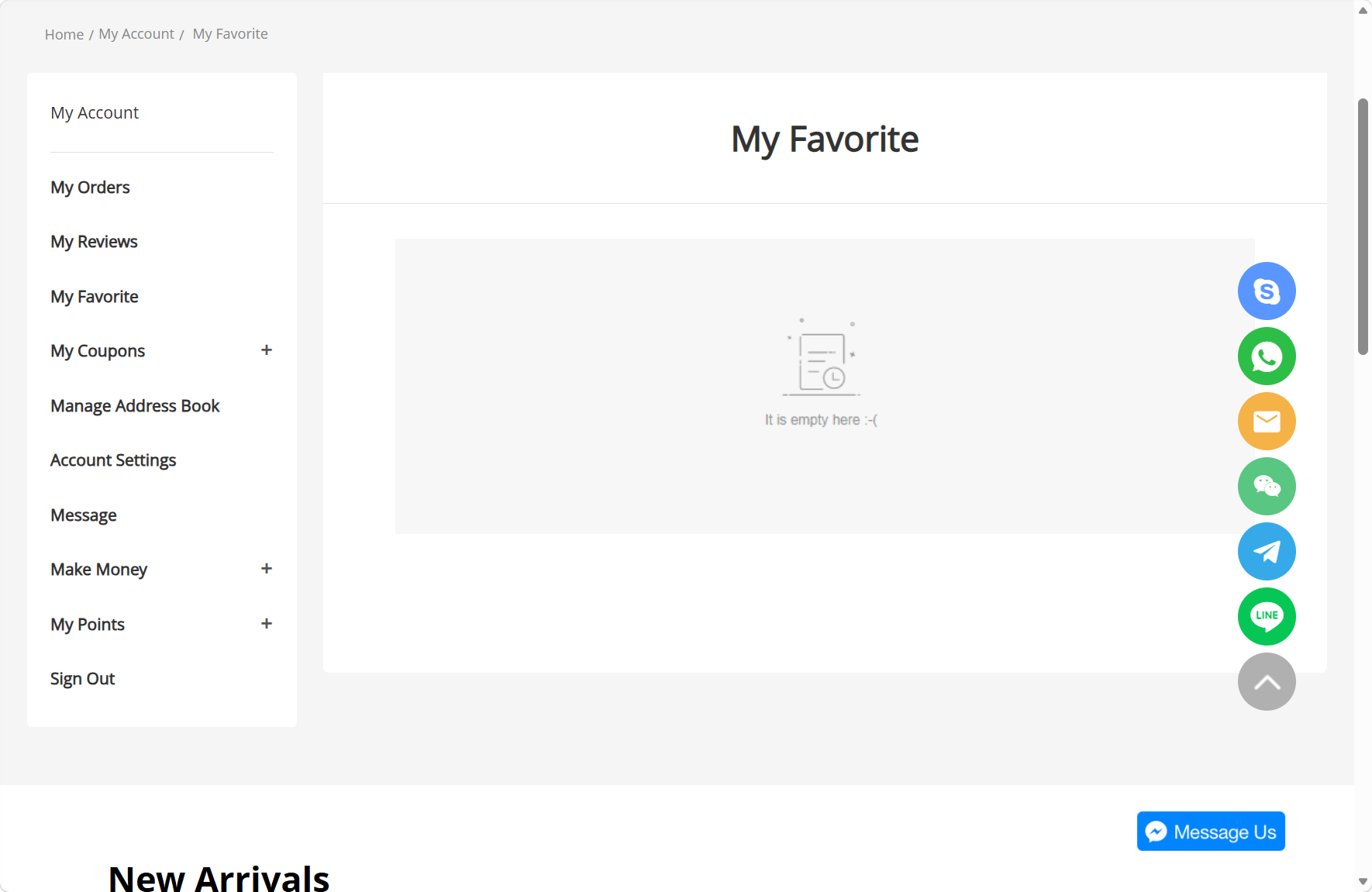 My Favorite:
Collect your favourite products for quick access to repurchase or new orders. No repeated searches required, effectively saving your shopping time.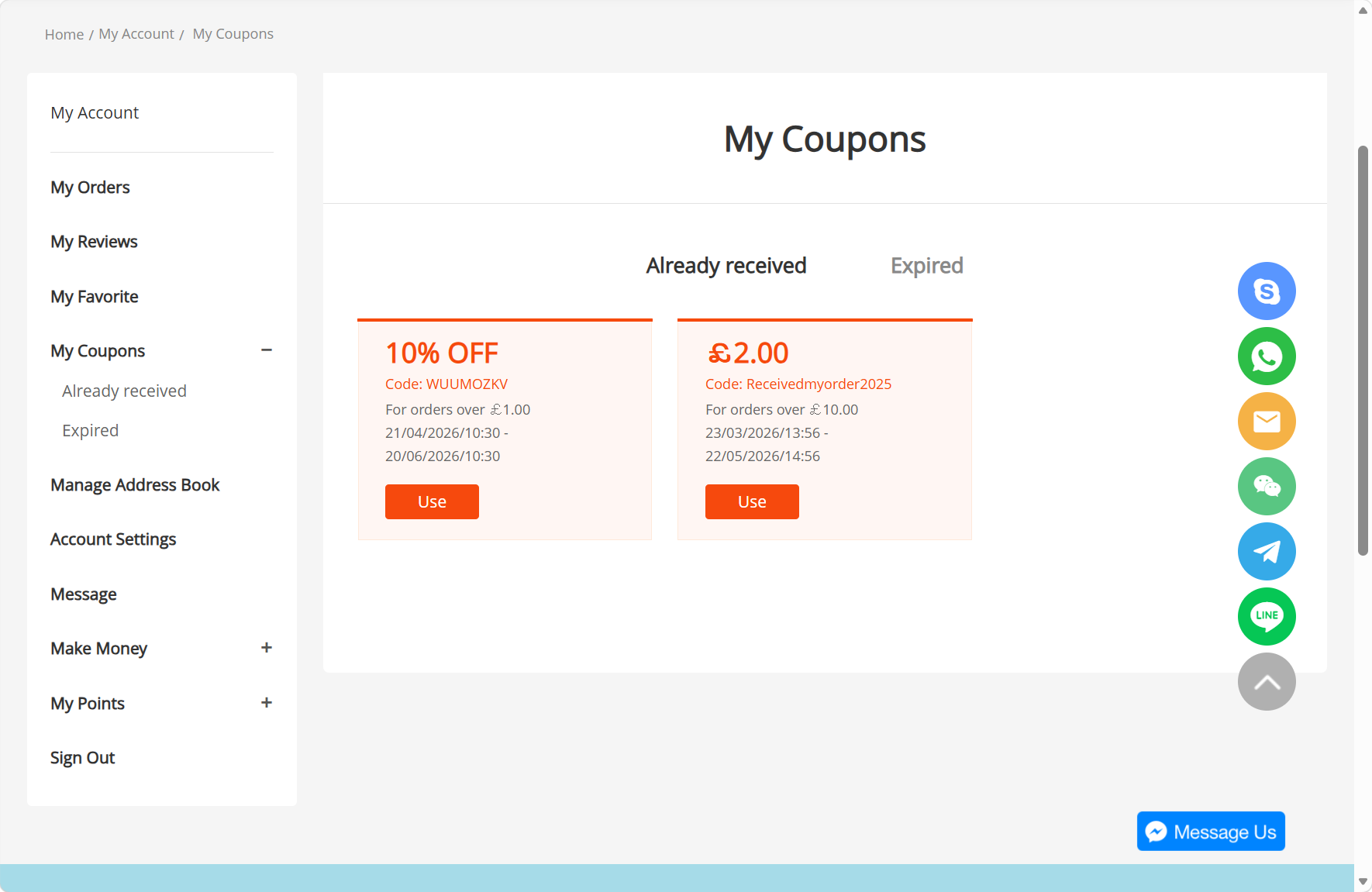
My Coupons:
-
Check your available and expired coupons. Use discounts in a timely manner to reduce your overall purchasing costs.
Manage Address Book:
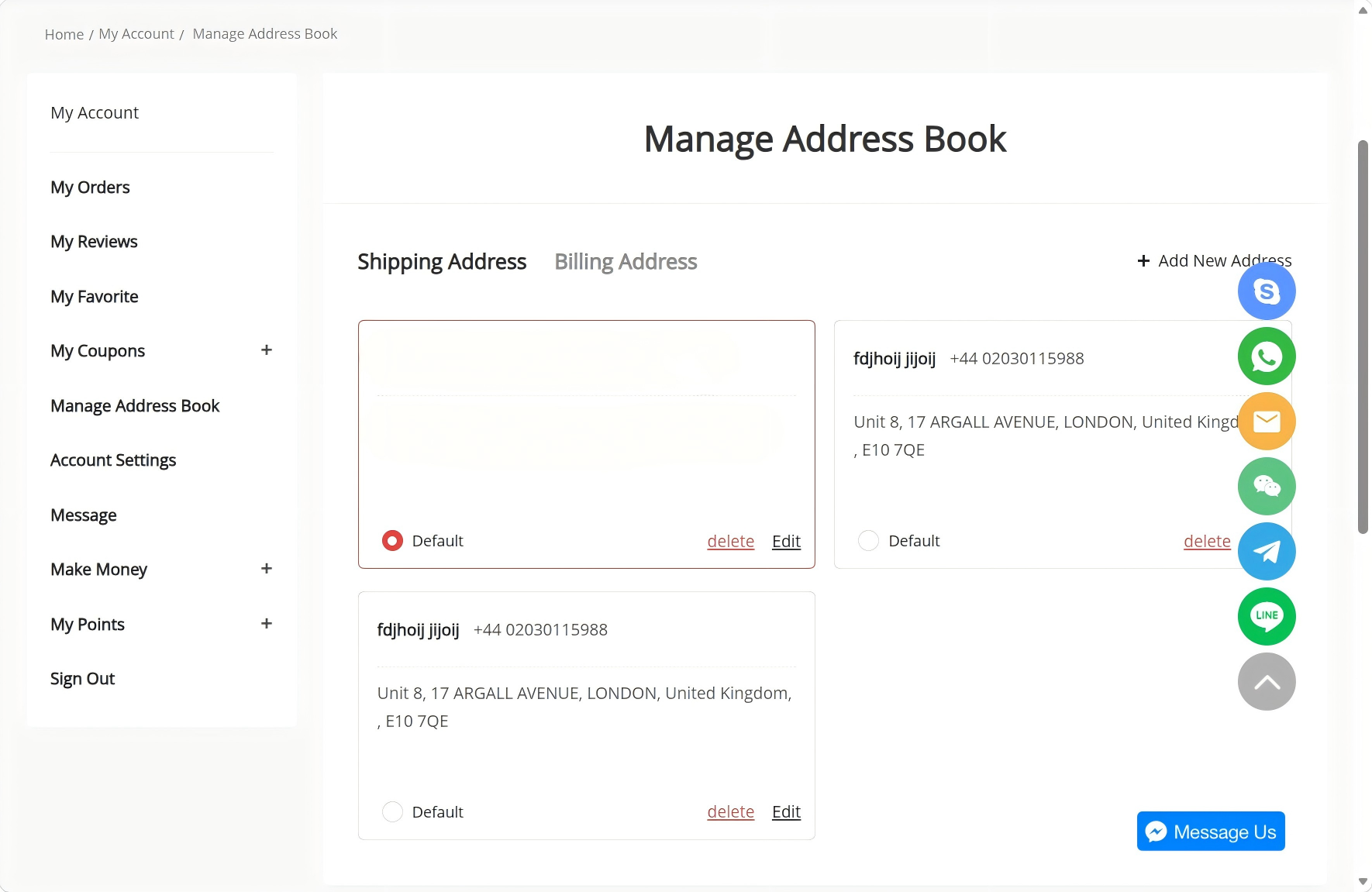
Manage delivery addresses and billing addresses. Add multiple regular addresses for one-click selection during checkout, and set a default address to streamline your ordering process.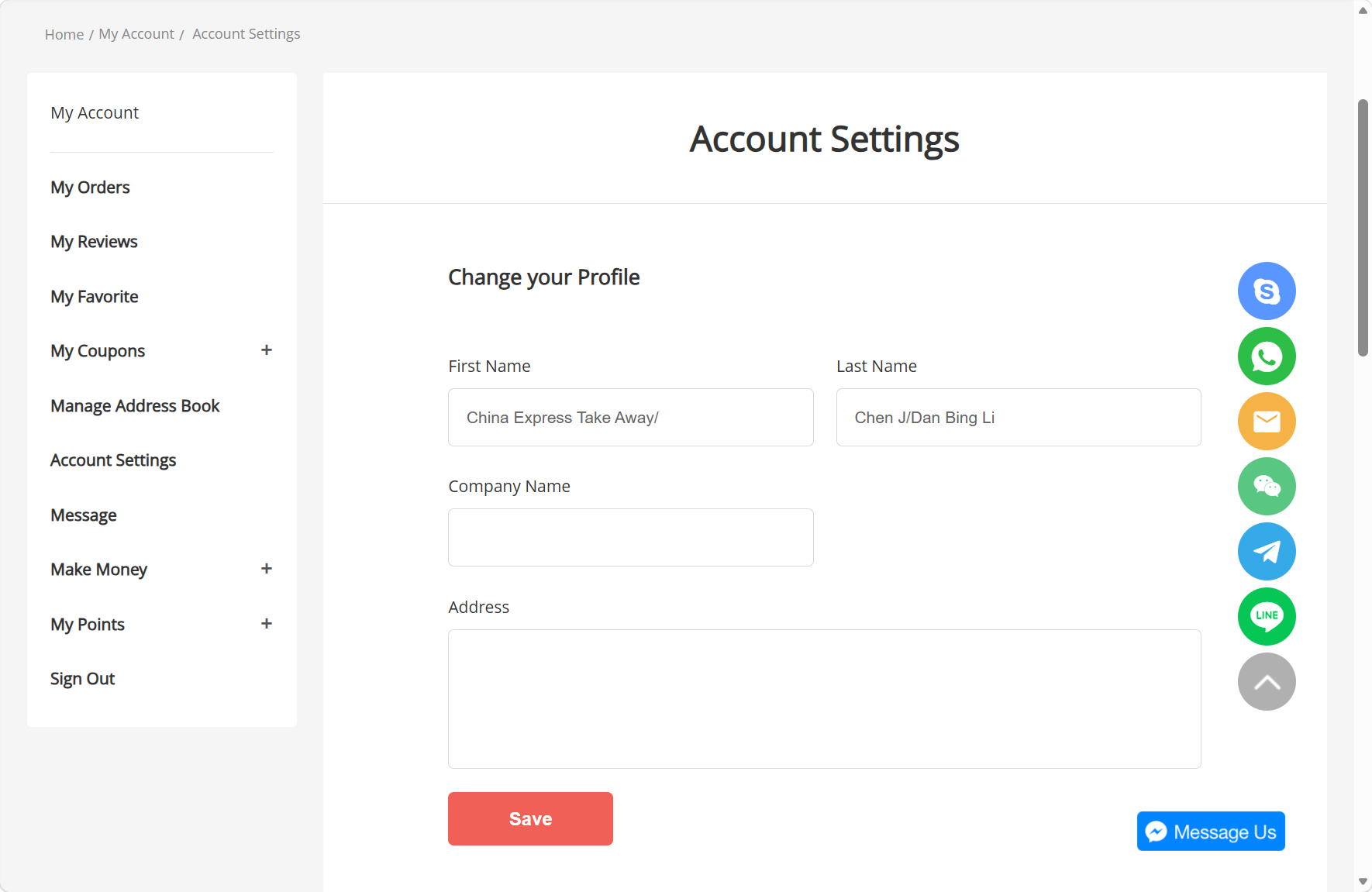
Account Settings:
-
Edit personal information such as name, company name and address. Ensure your account details are accurate to avoid delivery issues and after-sales problems.
-
-
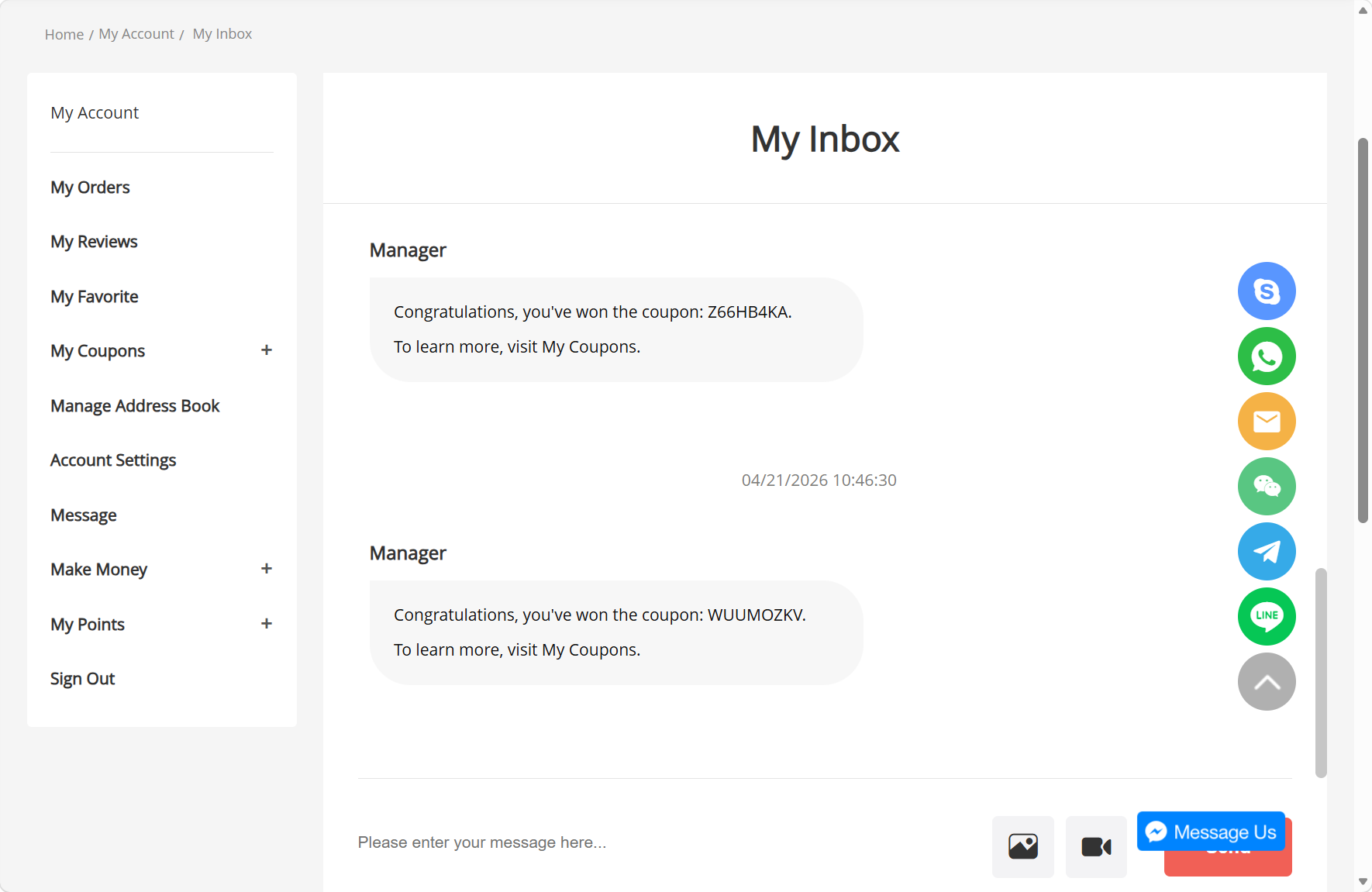
Message:
Receive official platform notifications, including coupon arrivals and event reminders. Never miss exclusive benefits, and browse all historical messages in one place.
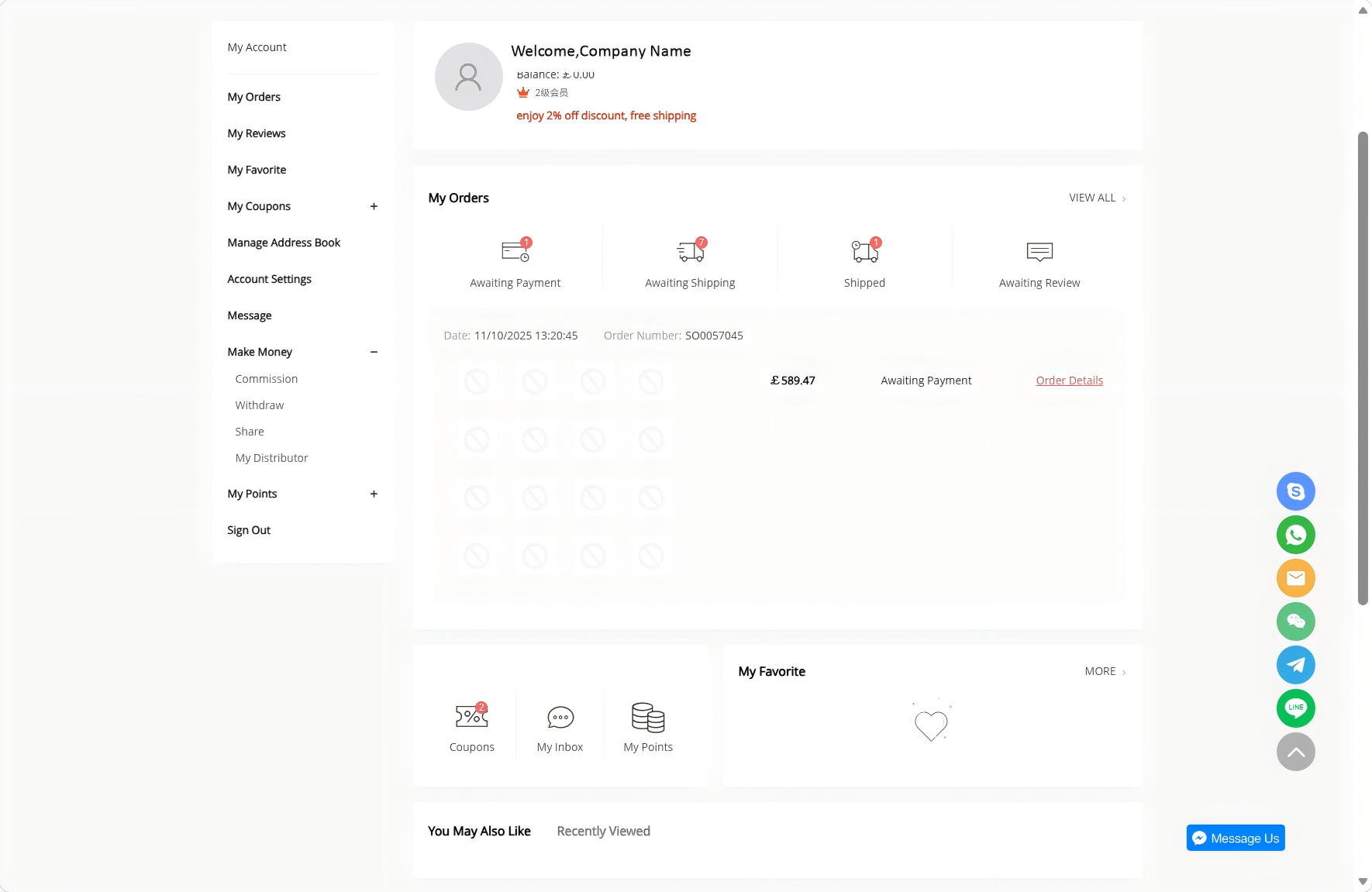
Make Money:
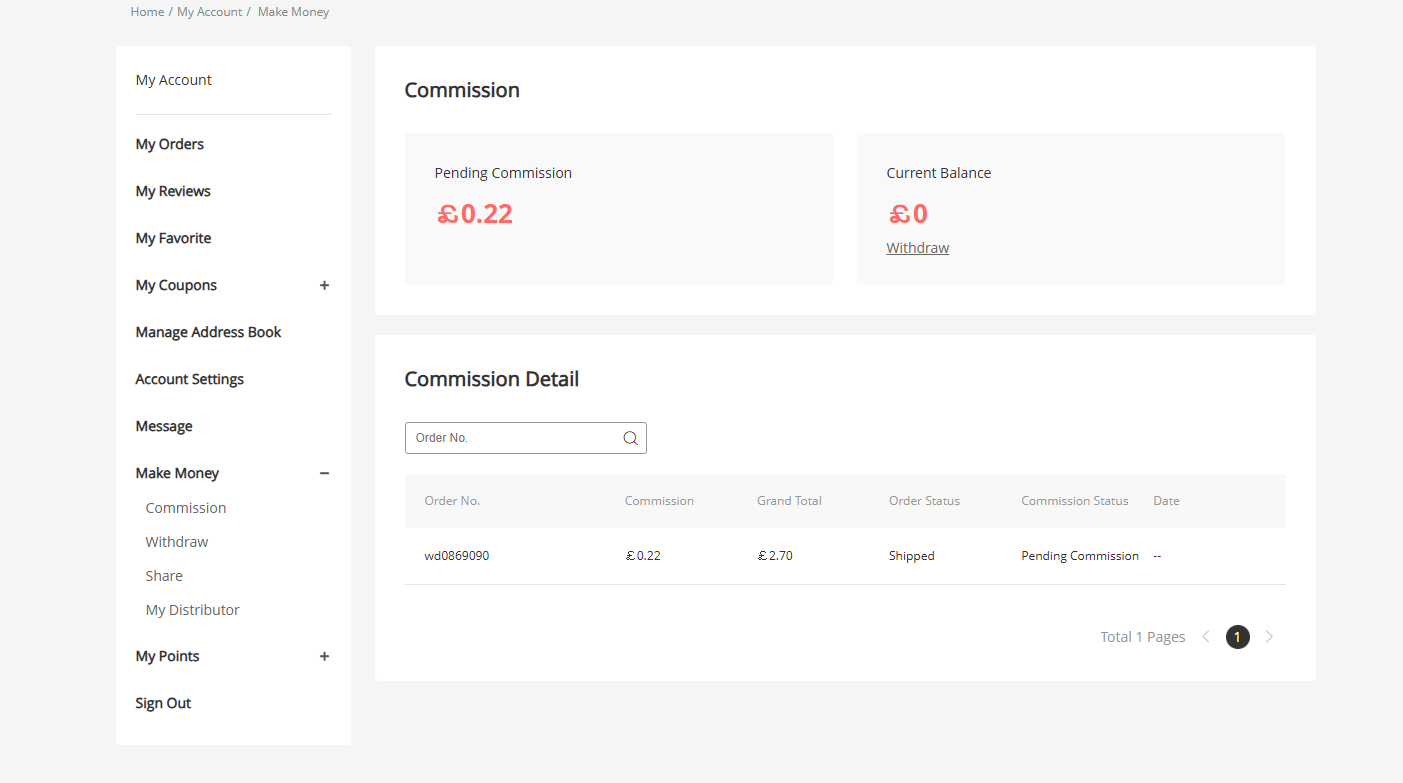
Earn commission by sharing exclusive links and inviting friends to register. Gain extra income easily, and check your pending settlement commission & available account balance anytime.
Receive official platform notifications, including coupon arrivals and event reminders. Never miss exclusive benefits, and browse all historical messages in one place.
Make Money:
Earn commission by sharing exclusive links and inviting friends to register. Gain extra income easily, and check your pending settlement commission & available account balance anytime.
1. Commission (Commission Details Page)
Purpose: View your referral commission earnings in real time, including Pending Commission and Current Balance. You can also look up the source order, order status, and settlement progress for each commission using the order number.
Benefits:
- Keep track of your referral earnings and see which products/orders are generating commissions for you.
- Clearly distinguish between “pending” and “withdrawable” funds to help you plan your withdrawals.
- Quickly locate specific commission details using the search function for easy reconciliation.
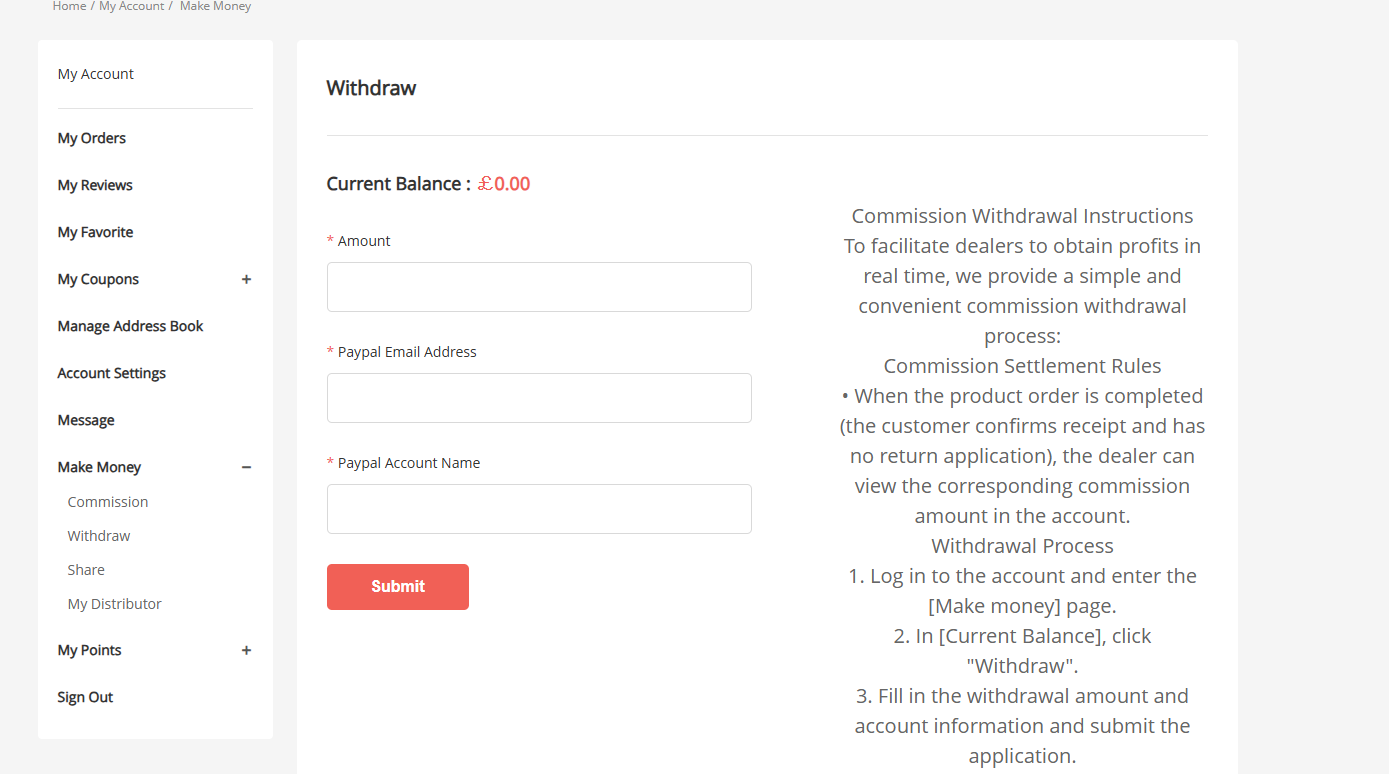
2. Withdraw (Commission Withdrawal Page)
Purpose: Submit a withdrawal request here once the commission-eligible order is completed (customer confirms receipt with no return requests), to transfer your available balance to your PayPal account.
Benefits:
- Simple and straightforward withdrawal process: just enter the withdrawal amount, PayPal email address, and account name to submit your request.
- Clear settlement rules are provided to explain when commissions become available (after order completion), helping to avoid misunderstandings.
- Withdraw via PayPal for secure and fast processing, so you can easily convert your referral earnings into real cash.
-
-
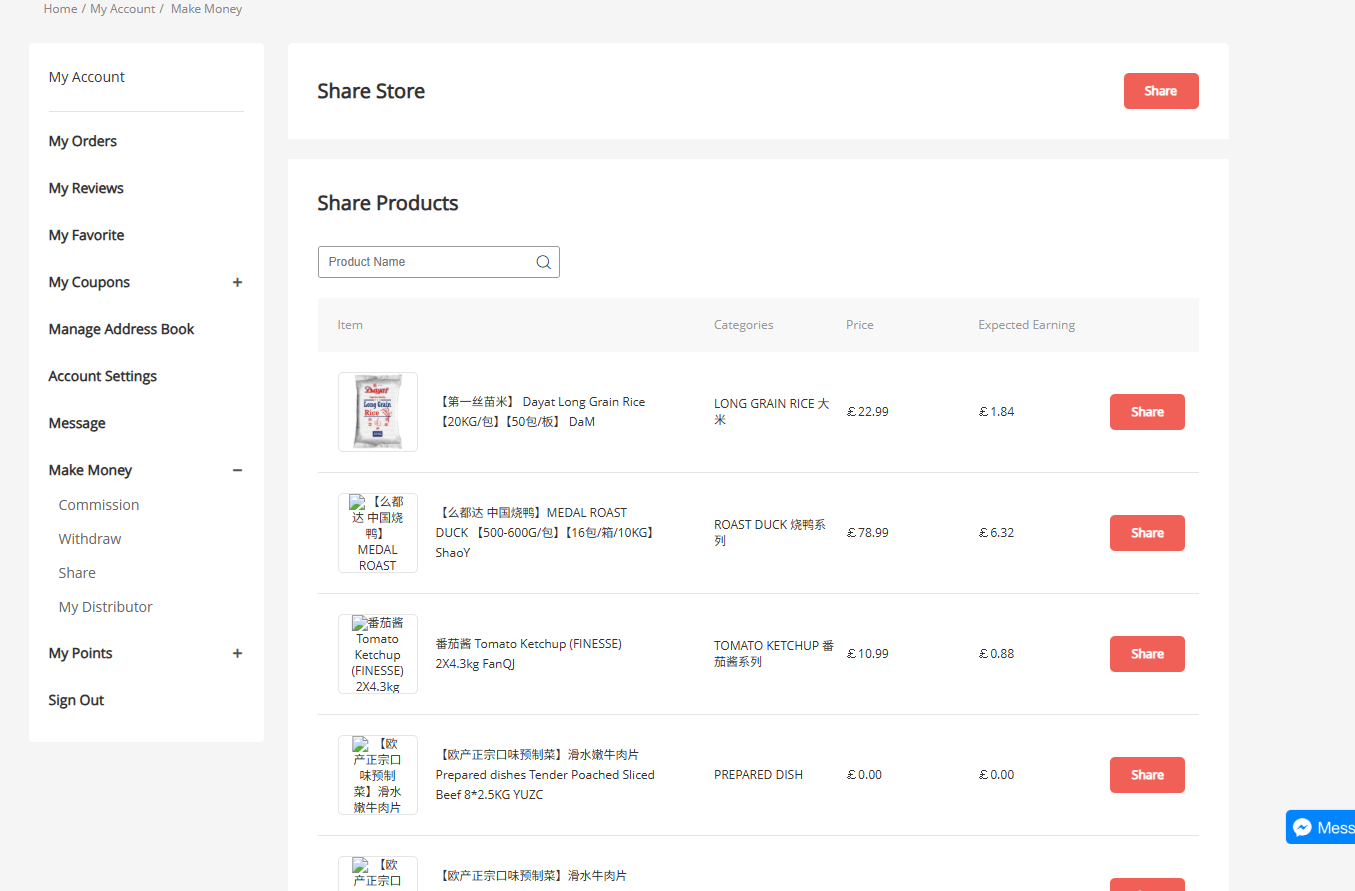
3. Share (Referral Sharing Page)
Purpose: Get your unique referral links to share the store or individual products with friends or customers. You’ll earn corresponding commissions when they register or place orders through your link.Benefits:- Share the entire store or high-commission products (such as rice, roasted duck, etc.) for flexible promotion options.
- Each product shows an Expected Earning amount, so you know exactly how much you can earn by promoting it.
- One-click share buttons make it easy to post to social media, so you can start earning with zero hassle.
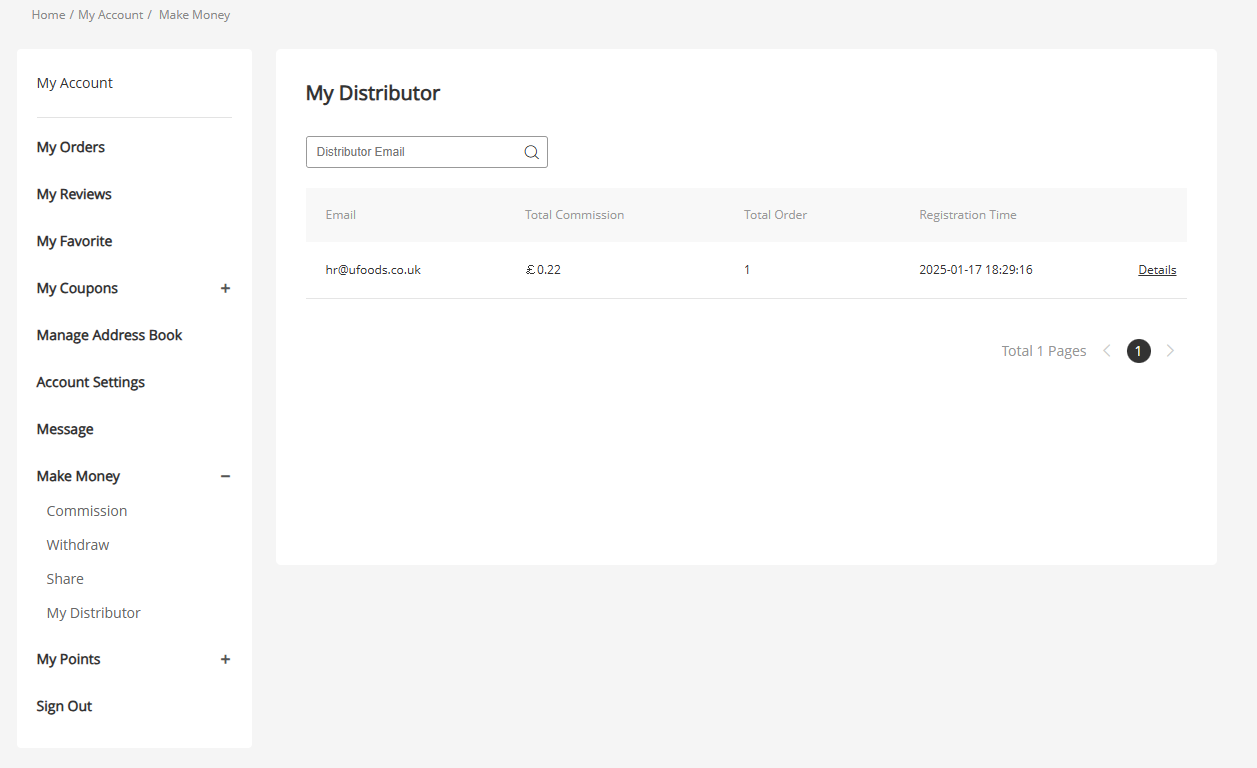
4. My Distributor (Referral Downline Management Page)
Purpose: View the list of distributors/customers you’ve invited, including their email addresses, total commissions earned from them, total orders placed, and registration time, giving you a clear overview of your referral team’s performance.
Benefits:
- See at a glance which customers are generating commissions for you, making it easy to nurture relationships with high-value referrals.
- Use the “Details” option to view individual customers’ full order and commission data, so you can refine your referral strategy.
- Keep a complete record of your referral results, so you can see the impact of your efforts and stay motivated to share more.
-
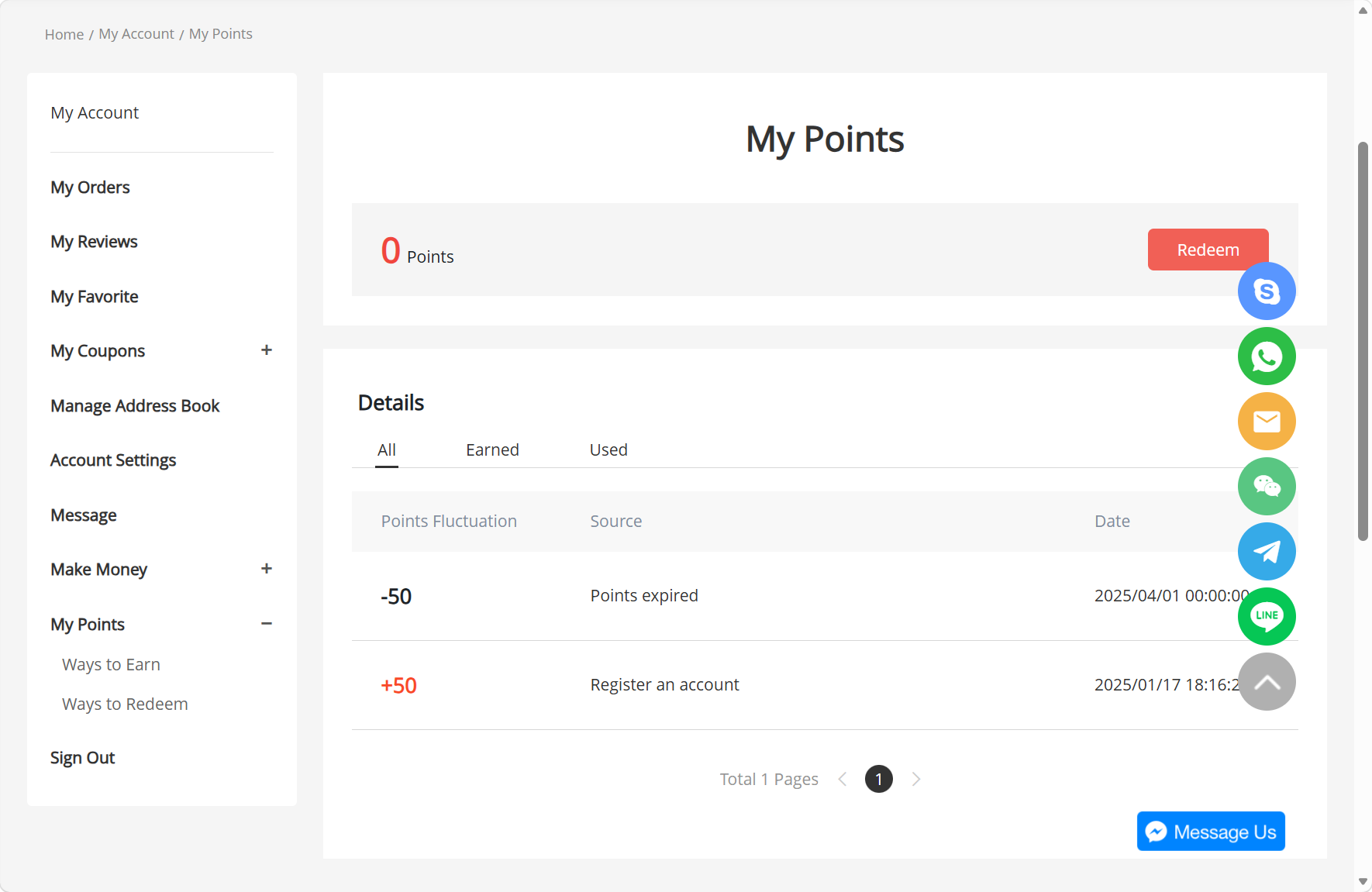
My Points:
Check your points earning and usage records. Points are obtained through registration, orders and other behaviours, and can be redeemed for exclusive benefits.
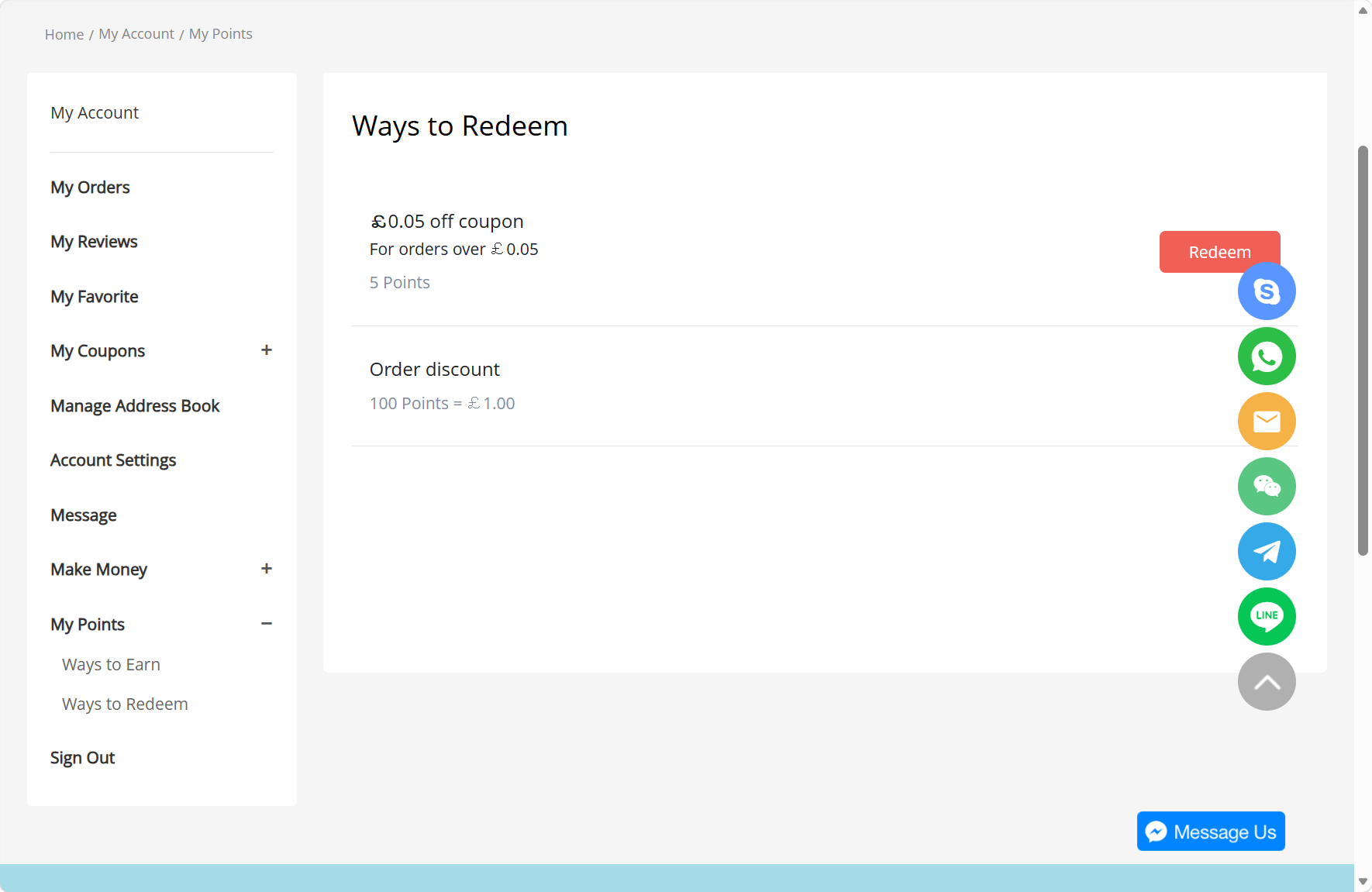
Ways to Redeem:
-
Learn about all points redemption options. Exchange points for coupons and order discounts to maximize value and further cut your procurement expenses.
We strictly keep all customer data and transaction information confidential. We fully comply with local legal regulations and privacy rights in the United Kingdom to protect the account and personal information of every user.


